

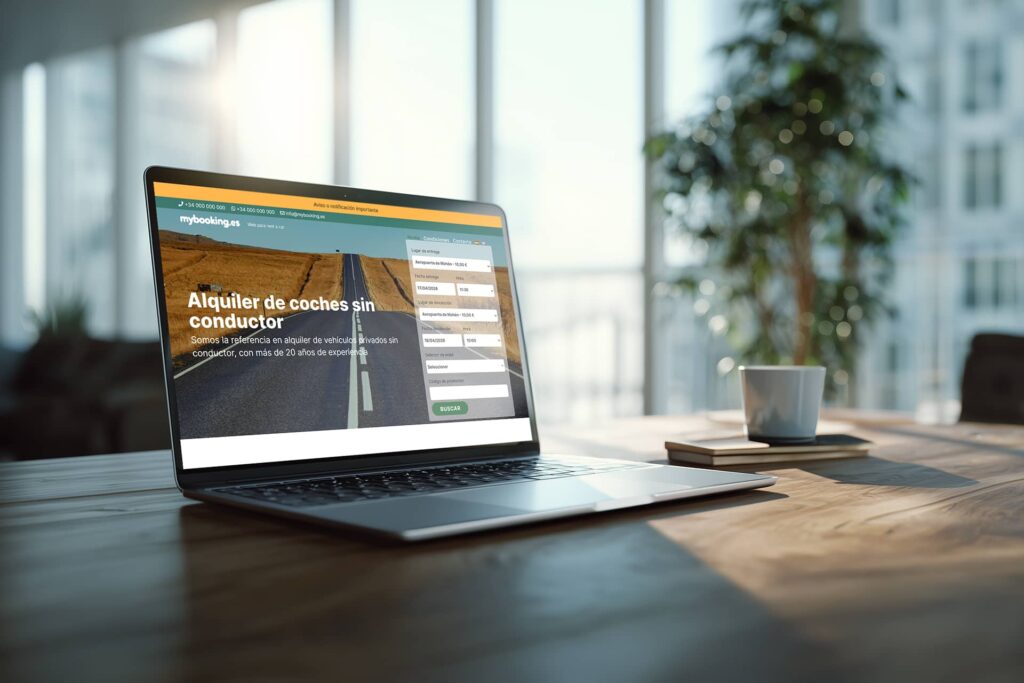
Advanced Mybooking customization in WordPress
If a business depends on bookings, having a solid technical foundation is essential. In that sense, Mybooking provides a powerful system to manage operations from its own dashboard and connect the booking engine to the website. From there, the real differentiator usually lies in how the experience is presented, how the offer is communicated, and how the front end is adapted to each company’s commercial reality. This can be achieved through advanced Mybooking customization in WordPress.
A solid foundation does not mean the same website for everyone
Every business sells in a different way. A motorcycle rental company does not communicate in the same way as a car rental business, a camper company or a boat rental brand. They also do not have the same customer profile, the same common questions or the same way of highlighting their value proposition.
That is why, even if the booking engine is powerful and the foundation is already well solved, the front end should not be treated as a generic layer with no further thought.
It is precisely in that visible layer where the website can be shaped to fit the real business better: with a visual identity more aligned with the brand, a clearer page structure, more focused commercial messaging and a presentation designed to convert more effectively.
This is not about changing what already works in the management system. It is about building a better web experience on top of a technical foundation that is already solid.
Where the child theme and custom development come in
When Mybooking is integrated into WordPress through its plugin and the corresponding theme, business management still lives inside the Mybooking dashboard. That is where operations, vehicles or products, rates, seasons, availability, commercial conditions and the rest of the key system settings are defined.
The WordPress layer does not replace that logic. It supports it. And that is exactly why the child theme and custom development make so much sense: they allow the visible part of the website to be adapted without interfering with the core of the system.
This creates a very interesting space to customize design, commercial communication and certain front-end rules, always with the aim of making the experience fit the brand, the business and the actual way the company sells.
What can actually be customized
When Mybooking is integrated into WordPress, there is plenty of room to adapt the experience without touching the operational core.
- the visual hierarchy of the booking process,
- the design of vehicle or product selection pages,
- supporting copy and commercial messaging,
- the way rates, benefits or coverage options are highlighted,
- the organization of content within the booking process,
- the integration with the brand identity,
- the booking payment methodology according to the selected rate, for example allowing partial or full payment for some rates and full payment only for others,
- time-based restrictions for specific rates, so that some of them can only be booked within a defined schedule, such as an in-office rate available only during office hours,
- the addition of specific blocks or views to display a grid with vehicle groups and their prices for selected dates,
- or custom functionality developed to address commercial, operational or conversion needs that require a more specific solution.
It can also make sense to build front-end improvements when they help communicate better, sell better or adapt the experience to the real way each company operates.
In other words: the engine remains the engine, but the visible experience, the commercial logic on the front end and the way the booking journey is presented can absolutely be adjusted to fit each business much better.
The key point: operations still live in Mybooking
This distinction matters. Customizing the child theme or building tailor-made improvements does not mean moving business management into WordPress or duplicating processes. The main operational logic still lives in the Mybooking dashboard, which is where the system is actually organized.
That makes it possible to work with a very clear structure: the operational foundation remains centralized where it should be, while the website is adapted at the visible layer to strengthen the brand, improve commercial communication and adjust the experience to specific needs.
When it makes sense to invest in customization
Not every project requires the same level of intervention. In some cases, a standard implementation may be enough, especially at the beginning. But when a business needs to differentiate rates, organize its offer better, introduce specific commercial rules or improve conversion, customization stops being an extra and becomes a strategic tool.
It usually makes sense when the website needs to communicate better, when there are business-specific requirements that should not be solved in a generic way, or when the booking experience needs to align more closely with how the company actually works.
Conclusion
Mybooking offers a very strong foundation for businesses that rely on bookings. And that is exactly why it makes sense to build on top of that foundation with a web experience that is more tailored, more refined and more aligned with each company.
Once operations are already well solved in the system, the next natural step is to work on the front end with clear criteria. That is where a child theme and custom development allow a solid integration to become a website that is more consistent with the brand, more useful for the customer and better prepared to sell.
If you need to adapt Mybooking to the real way your business sells, at Tornem we can help you with it.
Share this article